The most inspiring instrument for making sound, now on your Mac.
Norns for Mac
The monome norns sound computer as an app, free and open source. 325 scripts by 141 artists, with your grid, arc and MIDI gear, or on screen.
brew install adigold/tap/norns-for-macClick the keys. It plays like a real grid.
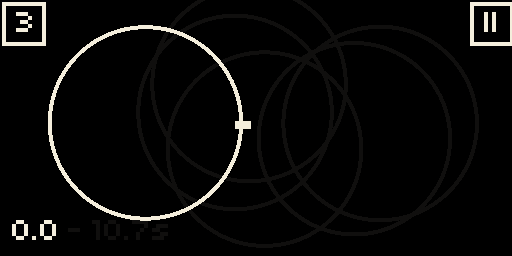
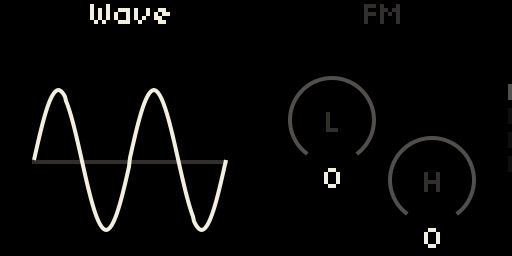
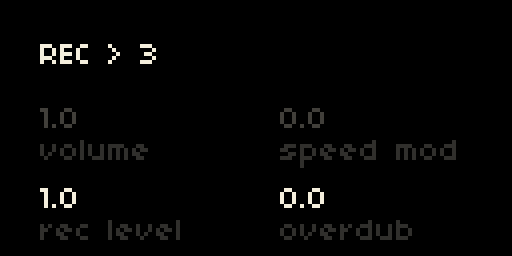
Every frame is a real screen, recorded from a script running in the app. Point at one to see its name.
One window, the whole instrument
The norns screen, its three keys and three knobs, with a grid and an arc beside them. Your keyboard plays the keys; your trackpad turns the knobs.
awake by tehn, running on a MacBook. The grid lights are the script’s own.
What it does
- Play
- 325 community scripts
- Tape loops and sample cutting
- Every script setting
- Presets
- The norns mixer
- Surprise me
- Connect
- monome grid
- monome arc
- MIDI in and out
- 16n faderbank
- On-screen grid and arc
- Your Mac’s microphone
- Keep
- Tape recording
- Your recordings
- Favourites
- Your own tags
- Hide a script
- Install from lines
Point at any line to read what it does.
Fourteen to start with
Point at a name to see that script running. These are fourteen of the 325.
Bring your grid
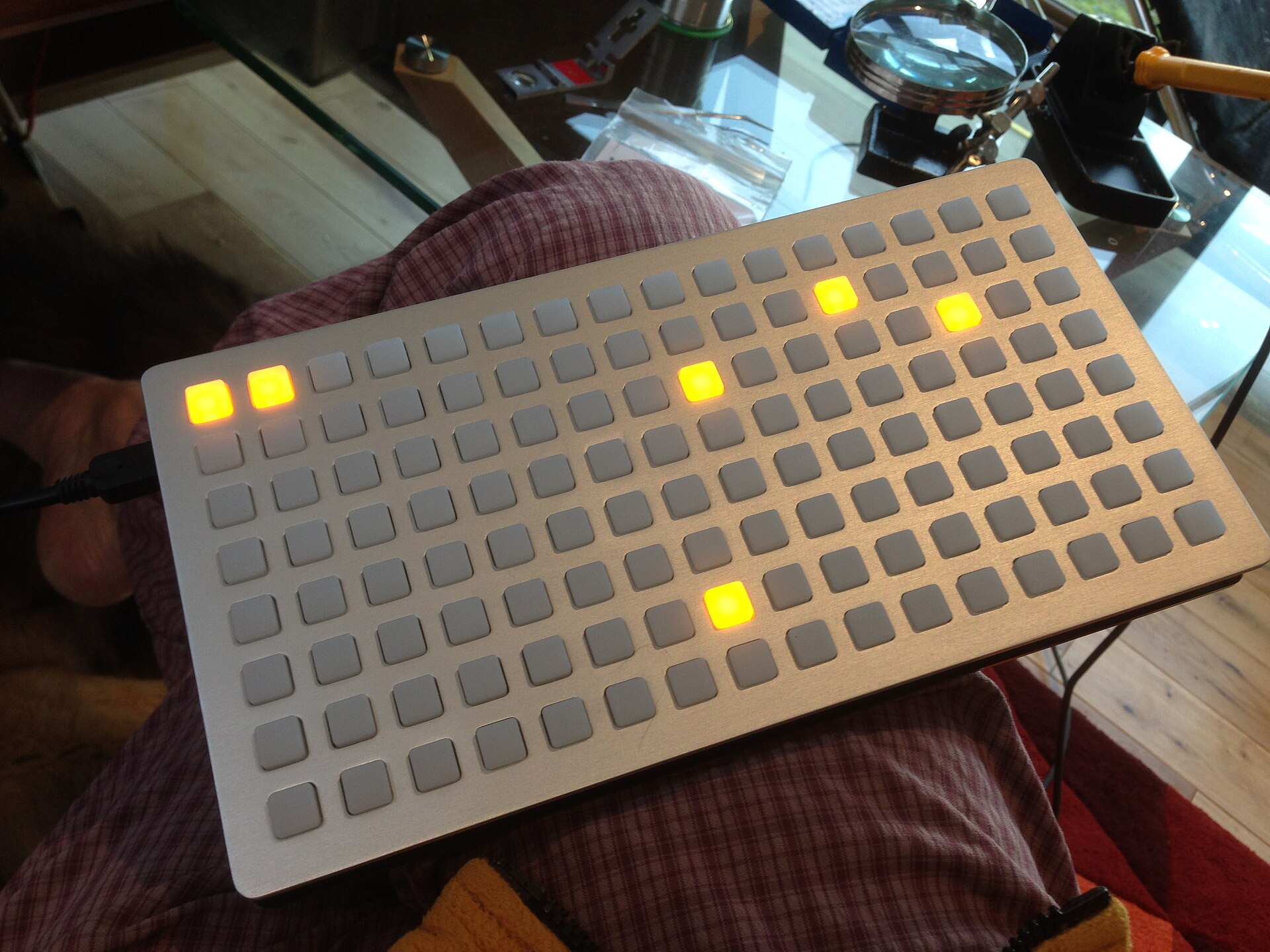
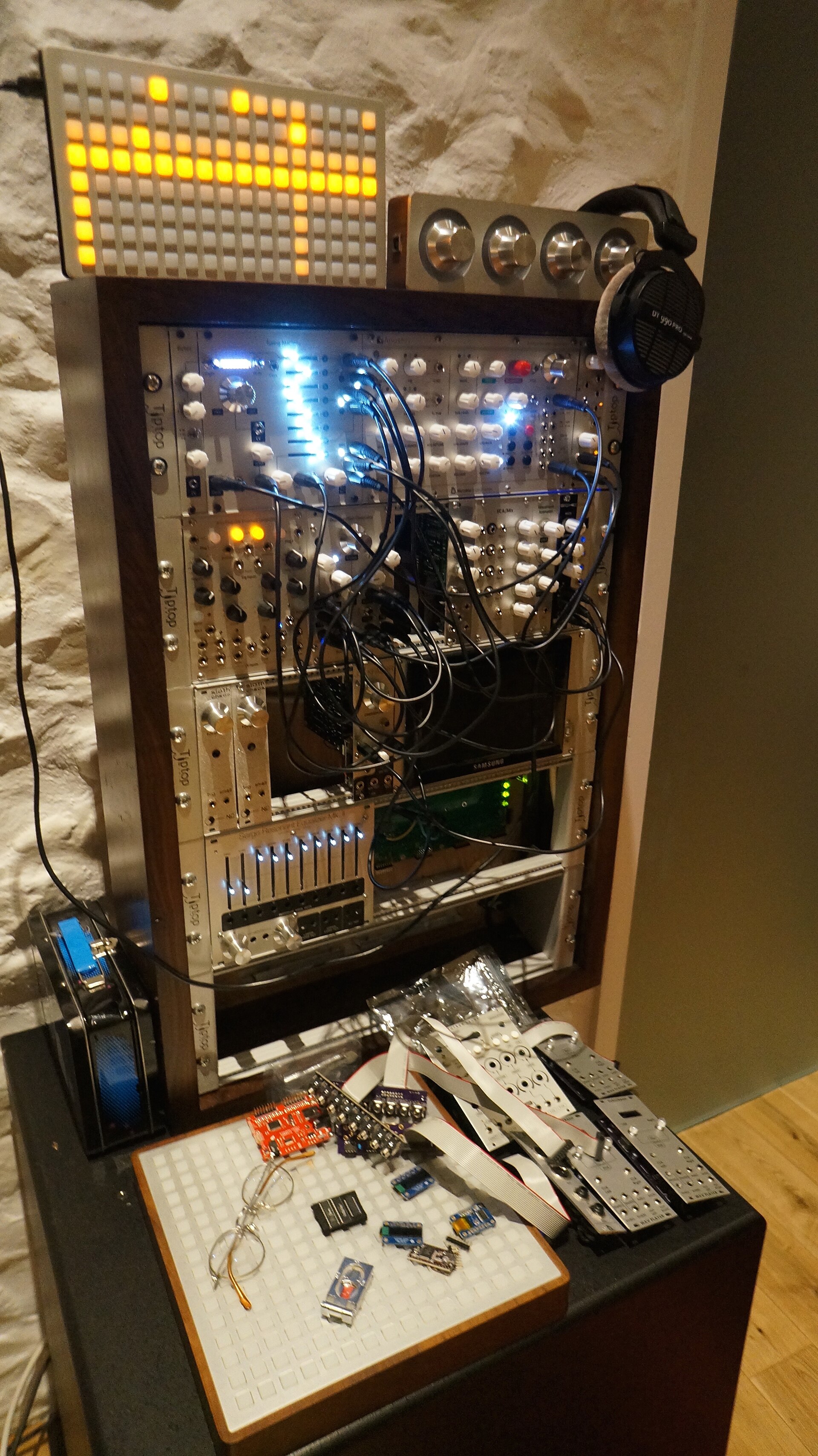
Most norns scripts were written for a monome grid: sixteen by eight lit keys. Plug one into your Mac and it lights up for the script. An arc works the same way.
From download to sound
-
Download and open
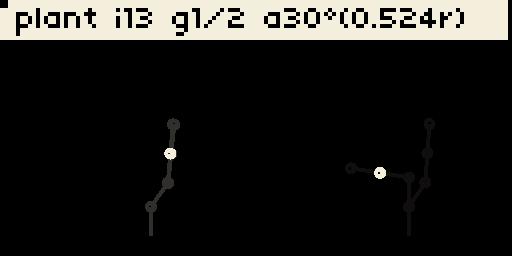
A signed, notarized app. Drag it to Applications and open it like any other.
-
Pick a script
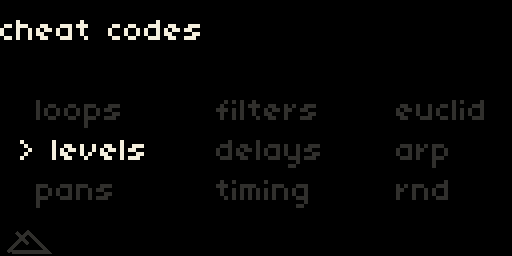
Search by name, author or idea, or filter by tag: sequencer, looper, grid, synth.
-
Play it
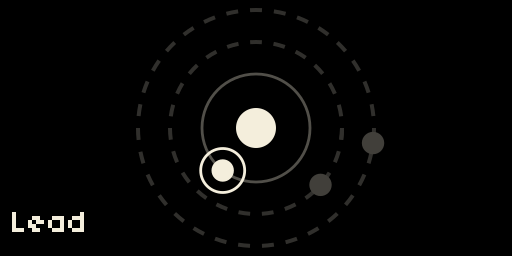
Keys A, S, D press K1 to K3. Scroll or Q to Y turn the knobs. The sound comes straight out.
-
Plug in hardware
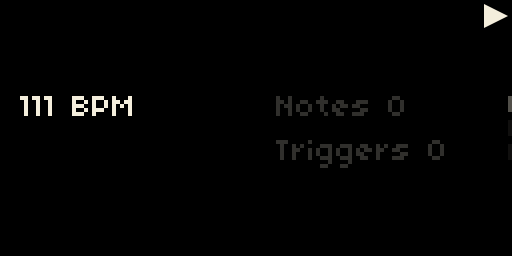
Grid, arc, MIDI keyboards and a 16n appear to scripts as soon as you connect them.
-
Record what you made
Press Rec. The take lands in your tape folder as a WAV file, one click away.
-
Find more on lines
Browse new norns threads inside the app and install a script from its post.
Credits
norns by monome
Scripts by 141 people
This app by Adi Goldstein
 norns was made by monome, who also make the grid and the arc. This app runs its open source software.
Norns for Mac is an independent project and is not made by monome. If you love it, buy their instruments. Every script was written by someone in the lines community and shared on norns.community: tehn, markeats, infinitedigits, tyleretters, dani_derks and 136 more. Their names stay on every script in the app, with a link to its thread.
Questions
Is it free? Yes. It is free and open source, under the same licence as norns.
Do I need a norns? No. The app is the norns, in software. If you have one, the same scripts run here.
Do I need a grid? No. The window has a grid and an arc you can click. A real one plugged in over USB takes over.
Which scripts work? The library holds 325. Scripts that only drive a crow module are hidden until crow is supported.
Can I add new scripts? Yes. The lines tab lists new norns threads, and one click installs the script a thread links to.
Where do my recordings go? Into your tape folder, named 0001.wav, 0002.wav and on. The Recordings button opens it.
Can scripts hear my microphone? Yes, when you turn on Mic. It starts off, and it guards against feedback howl on laptop speakers.
Does MIDI work? Yes, in and out, with hardware and with other apps on your Mac.
Which Macs? Apple silicon Macs with macOS 15 or later.
Is this made by monome? No. It is an independent project built on their open source work, with thanks.
Download
Download the app, plug in a grid if you have one, and start with awake.
brew install adigold/tap/norns-for-mac